Your knowledge.
In the work.
See a source become approved project context, an agent result, and reviewed training data. Recorded in the real Velora desktop app.
2 minutes 47 seconds · On-screen captions · No narrationFrom agent work to reviewed examples.
Follow the knowledge through the work.
- 00:00Capture and review a page with Velora Sources.
- 00:23Approve source-linked knowledge and preview the context an agent receives.
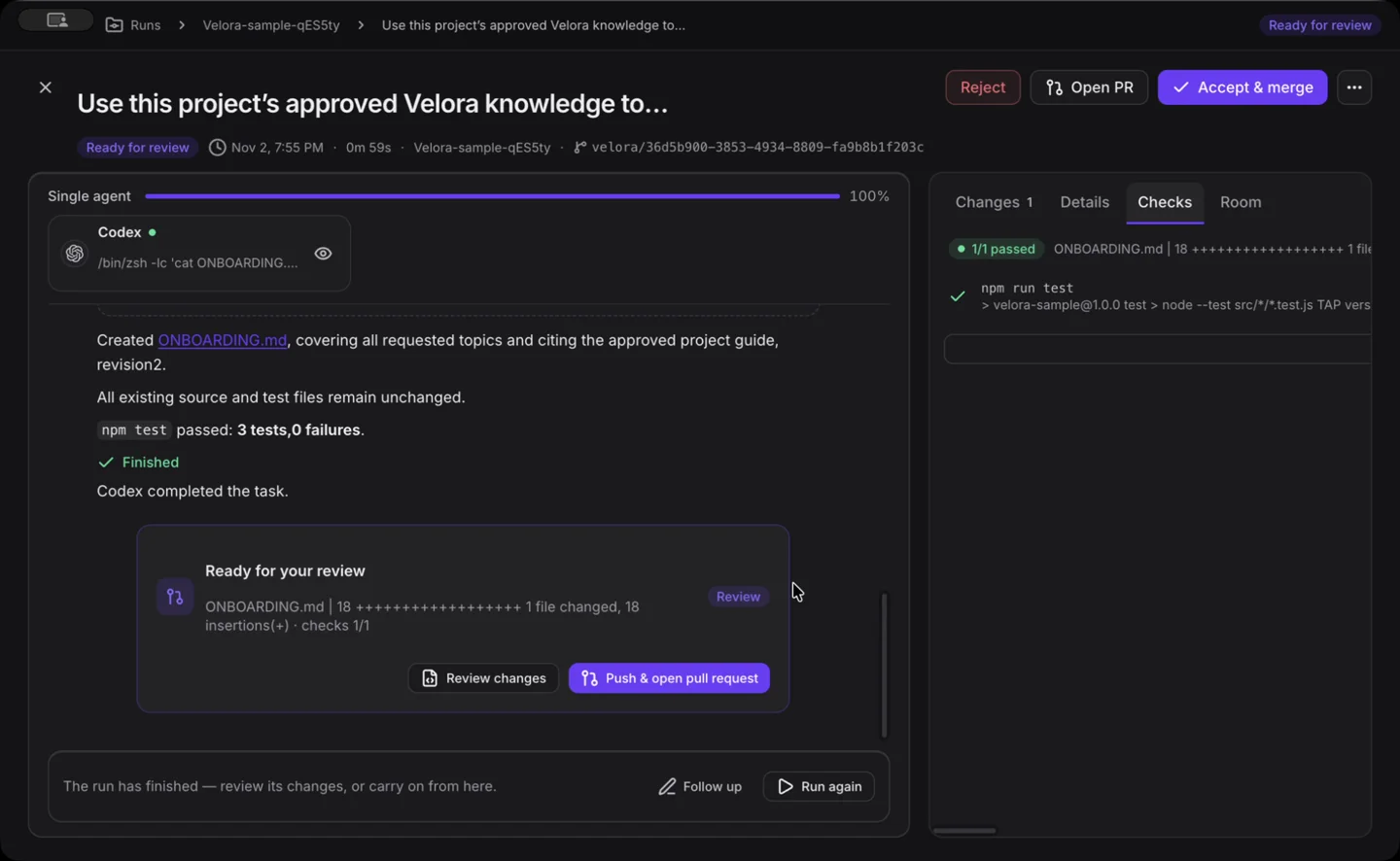
- 00:50Review a real Codex result, passing repository checks, and human approval.
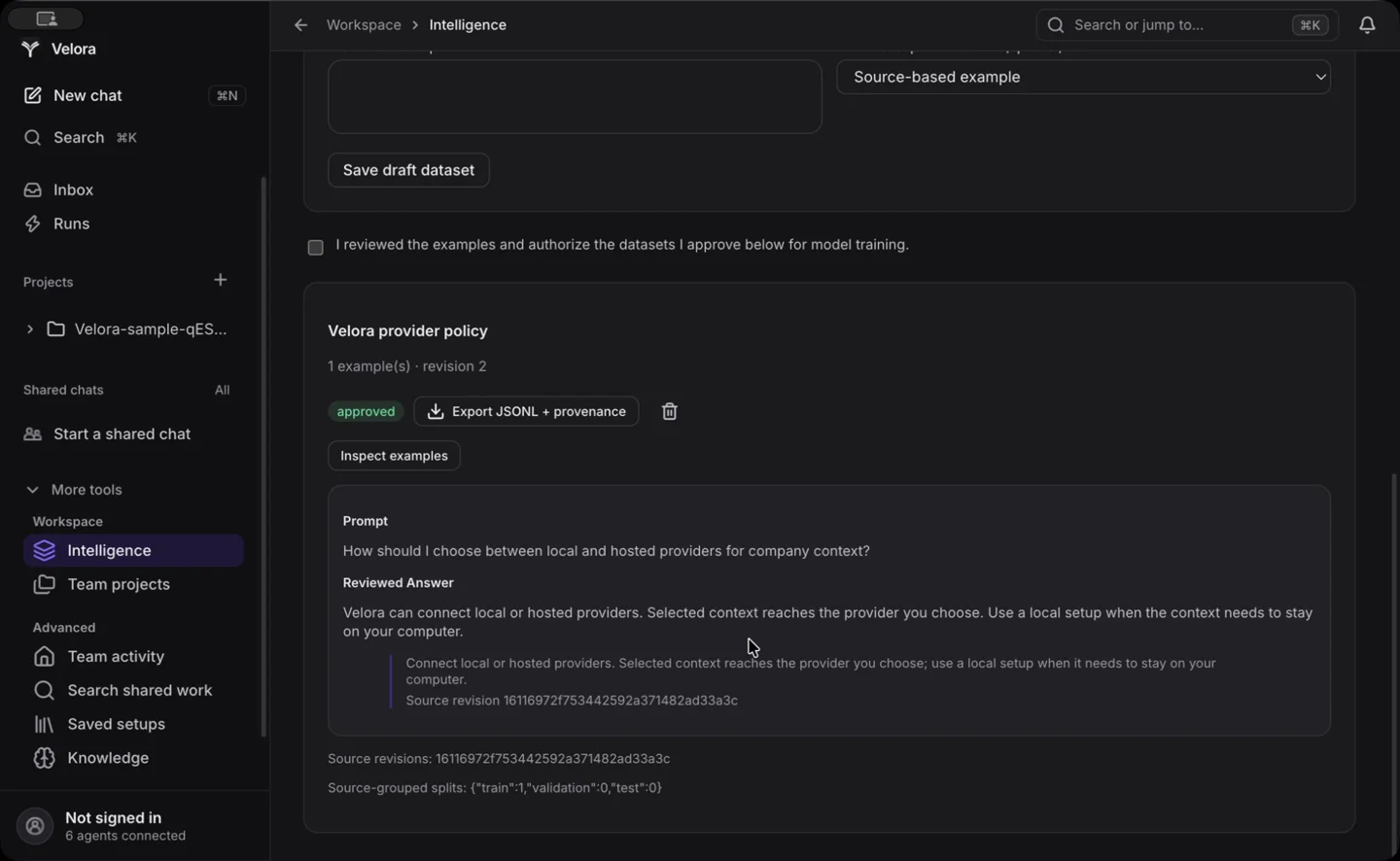
- 01:22Create and inspect training examples with an exact supporting quote.
- 01:54Export JSONL and provenance together in one ZIP.
- 02:12Record validation evidence and keep uncertainty visible.
- 02:30Prepare local training with approved data and your own model.
This walkthrough shows source review, an actual agent run, dataset export, and local-training preparation controls. A model training run and model-quality improvement are not shown.
Read the walkthrough transcript
Velora turns company sources into context your agents can use. Capture a page with the browser extension, review the text, and save it directly to your project. Each source keeps a revision and reference. Approve useful knowledge, then preview the exact references a task will receive.
A real Codex task uses this approved context to write an onboarding guide. Inspect the changed file and its source citation, review the app’s repository checks, and accept the result. Turn permitted sources into reviewed examples with supporting quotes. Export a ZIP containing the JSONL dataset and its provenance manifest.
Record task outcomes and human review while preserving uncertainty. One task does not establish a model-quality benchmark. Local MLX training requires an Apple silicon Mac, a compatible installed Python environment, and your own downloaded model. Candidates still need evaluation and approval before deployment.
Try the same workflow.
Start with a local project and a source your team knows. Choose what becomes context, what belongs in training data, and which provider does the work.
Read the custom data guide